Condition Editor
The editor allows you to easily configure the storage conditions of the data recorder.
Only if this condition is met, then the current record will be saved.
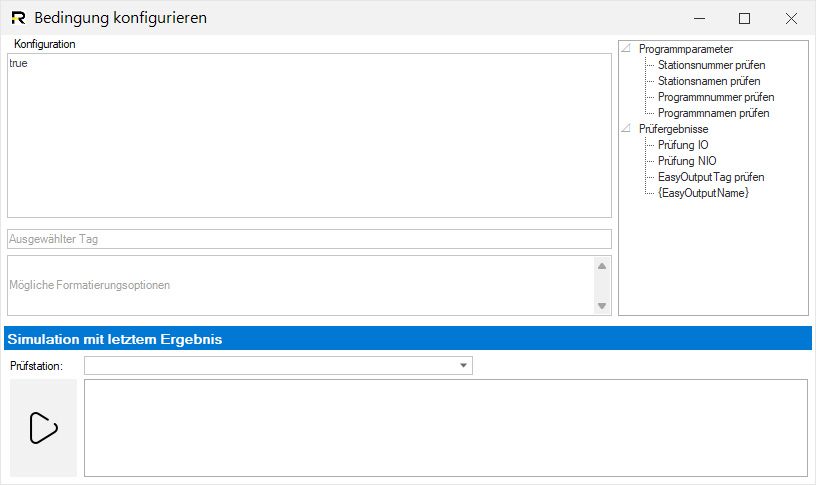
Information: If valid EasyOutput results of a current inspection are available, they can be used directly in the editor.
Examples
Copy
Save data if save mode = 1 or ( save mode = 2 and check = NOK)
(GetOutputByName('Speichermodus') == '1' || ( GetOutputByName('Speichermodus') == '2' && [RESULTSTRING] != 'PASS' ))